Source : Internet

I refuse to buy a laptop unless it has this one feature


2-in-1 laptops have been around forever, but they have never really gone mainstream, mostly because of their higher price tags. Still, after using one, I believe the premium for this design is worth it. And no, it’s not just because it can also double as a tablet.
Why 2-in-1 mode changes how you use your laptop
One device, endless ways to use it
Zarif Ali / MakeUseOf


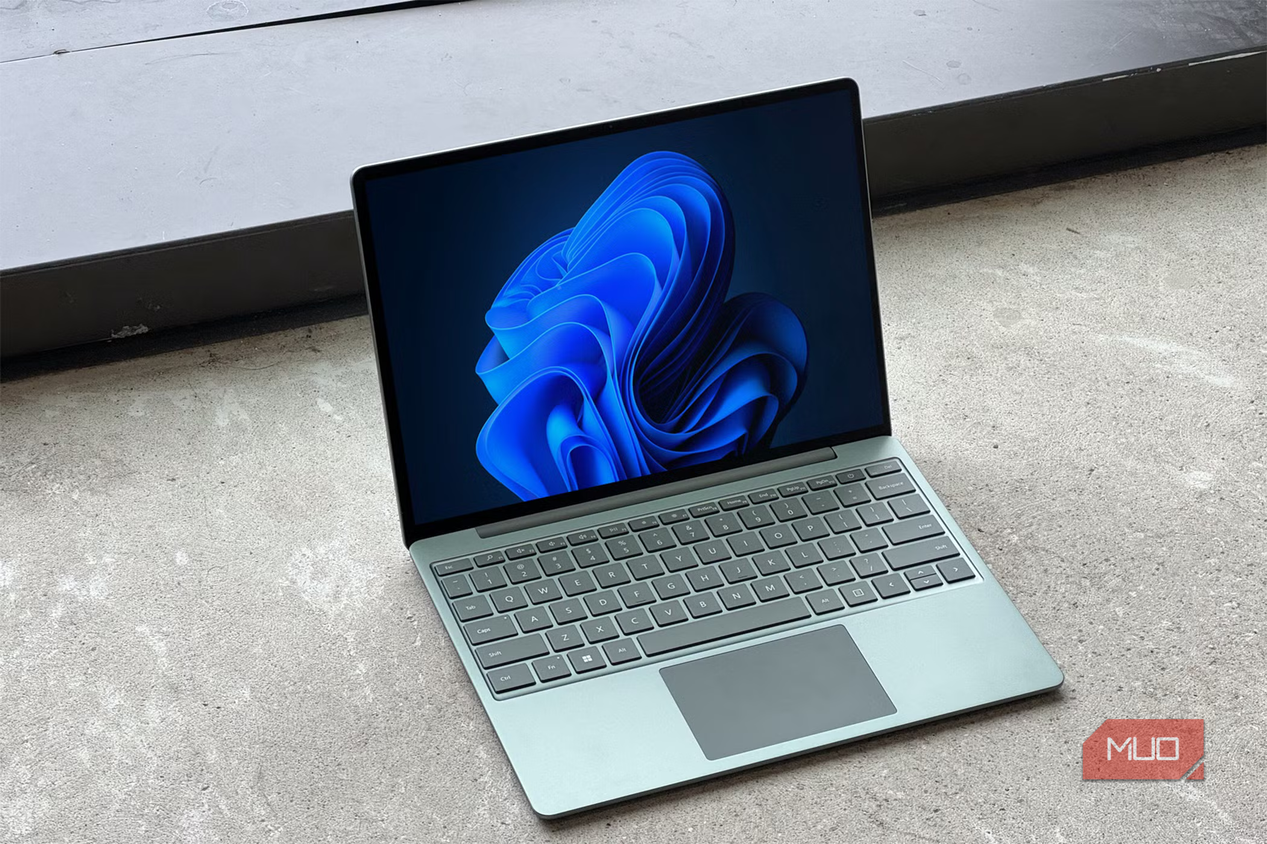
A regular laptop feels like a one-trick pony. You can use it only in one mode, where the keyboard is always in the front and the screen is always in the back. While this traditional design works, a 2-in-1 laptop gives you a lot more flexibility.
With a 2-in-1 design, you can flip the screen into different modes depending on what you’re doing. In standard mode, it feels like any other laptop. But if you fold it into stand mode, it becomes a large screen for watching videos, following recipes, and browsing social media. And if you don’t have much space, like on airplane trays or small desks, the tent mode is handy.
One of my favorite things about this design is that it doesn’t get in your way when you're using an external keyboard and mouse. With a regular laptop, you have to push the screen far back just to make room for the built-in keyboard and the external one you’re using. It is awkward and wastes space.
A touchscreen is far more useful than you think
Once you use it, you won’t go back

Another big benefit of 2-in-1 laptops is touchscreen support, and it’s not a gimmick. A touchscreen makes simple tasks feel faster and more natural. Scrolling through a long article, zooming into photos, switching tabs, or tapping a button is often quicker than having to drag the cursor across the screen. And unlike a mouse and keyboard, you can use one hand to get things done in seconds.
It is especially useful for creative work. For instance, if you’re looking at blueprints, reviewing designs, or brainstorming ideas, the screen is right in front of you. It’s almost like using a phone or tablet, which is what most of us already do all day.
Touchscreens also help with productivity. You can annotate PDFs, sign forms, and sketch. You can keep the laptop flat on the table or lean back on the couch or bed and use it while holding it. You don’t have to rely on the keyboard or trackpad for everything.

Lightweight design makes it perfect for travel
Travel-friendly in every way

If there’s one spec that most people overlook when buying a laptop, it’s weight. This may not matter much if you use your laptop exclusively at a desk, but if you plan to work at airports, cafés, or libraries, weight plays a big role.
Most 2-in-1 laptops are designed to be thinner and lighter than traditional machines. You can slip one into a backpack and barely notice it’s there. That alone changes how often you are willing to carry it around.
As someone who has a laptop that weighs around 5.5lbs, I can tell you that this matters. Moving it from my desk to the couch or using it at a coffee shop is not practical by any means.
2-in-1 machines also have their downsides
2-in-1 machines or 3-in-ONE machines(i envisioned a 5G laptop WITH
TELEPHONE FUNCTIONALITY LIKE A 5G SMARTPHONE) , like human
beings , none of us are perfect

They are usually less powerful than traditional laptops. Because of their thinner and lighter design, there is less room for cooling systems, additional RAM slots, and high-performance components. This makes most 2-in-1s a poor choice for gaming, 3D rendering, or demanding workloads, which means they’re not ideal for everyone.
Despite these downsides, the versatility and convenience are hard to beat. If a 2-in-1 laptop fits your workflow and if the budget allows it, it’s one of the most satisfying upgrades you can make. It’s more about freedom and less about the features.

No comments:
Post a Comment